I have always been a pack rat when it came to digital assets. I didn’t like the idea of deleting files. What if I want to come back to them later? After all, they don’t really take almost any physical space compared to paper books (certainly not now, in the age of multi-terabyte hard drives and the cloud). So what I did - I kept archiving them.
It started in the late ’80s and the ’90s with floppy disks, eventually migrated to external hard drives, CDs, DVDs and with the ascent of the cloud they ended up in a variety of various storage solutions.
As I replaced computers and got rid of the older ones, what I usually did was to copy everything that was on the old machine to the backup disks, transfer a subset of the files to the new one, and continue.
So after almost 40 years of digital life I was left with two NAS boxes, 23 external disks, six clouds and eight dead applications holding real documents. A huge portion of the files were duplicates, but I didn’t really know which files, or on which disks. In 2023 I started a project to fix it. The project failed - and that failure taught me the shape of the actual solution.
The umbrella that collapsed #
In 2023, while still working full time, I started a very ambitious side project codenamed “big declutter”. One project to find anything again and to answer the nagging question: I’m sure I have that file somewhere. But where? And how do I find it? It missed its yearly horizon three times.
In 2026 I realized it wasn’t a project at all - it was (in my Obsidian vault lingo) area work wearing a project costume. It required a different approach and a much larger time allocation than a side project could provide. Dissolved, not finished: the architecture became a standing Data Map, the chores became chores, the real work became real projects.
I started with the Data Map: a table of content domains against the ways data moves and how it is kept, where each cell goes from not covered to partial to done. Nothing “closes” it - that’s the point.
The Data Map split the space of files in various archives semantically: “documents” belonging to different categories, like legal, identity, finance and so on. Work memories, work archives. Media - both created and collected - like family photos, family videos vs purchased ebooks and audiobooks. My meme collection. Social media exports and takeouts. Old notes. Secrets (passwords, identities, access codes). Movie and music collections. Lots of source code. Web clippings.
They were physically living on 23 external disks, 2 NAS boxes (one of which required an upgrade and migration) and 6 different cloud services (Google Drive, AWS, Tresorit, OneDrive, iCloud and Dropbox), and what made the situation worse is that some part of the information was locked in old application formats that needed rescue and everything really needed cataloguing and deduplication.
What replaced it #
I started with a disk catalog of all external disks, NAS volumes as well as the cloud services. That was holding information about every file, its metadata and, in most cases, the SHA-1 hash of the content. This was the driver of everything on the old Synology moving to the new NAS, checksum-verified, into a proper filing structure.
With a disk catalog and every file hashed, the question “do I have this file?” could get answered without mounting anything.
A dedicated application, the “directory of things”, is how this question gets answered: it searches across 2.5 million items (files, books, notes, people). It deliberately owns nothing and only knows where things live. It lives happily on a Mac mini at home, accessible only via my tailnet.
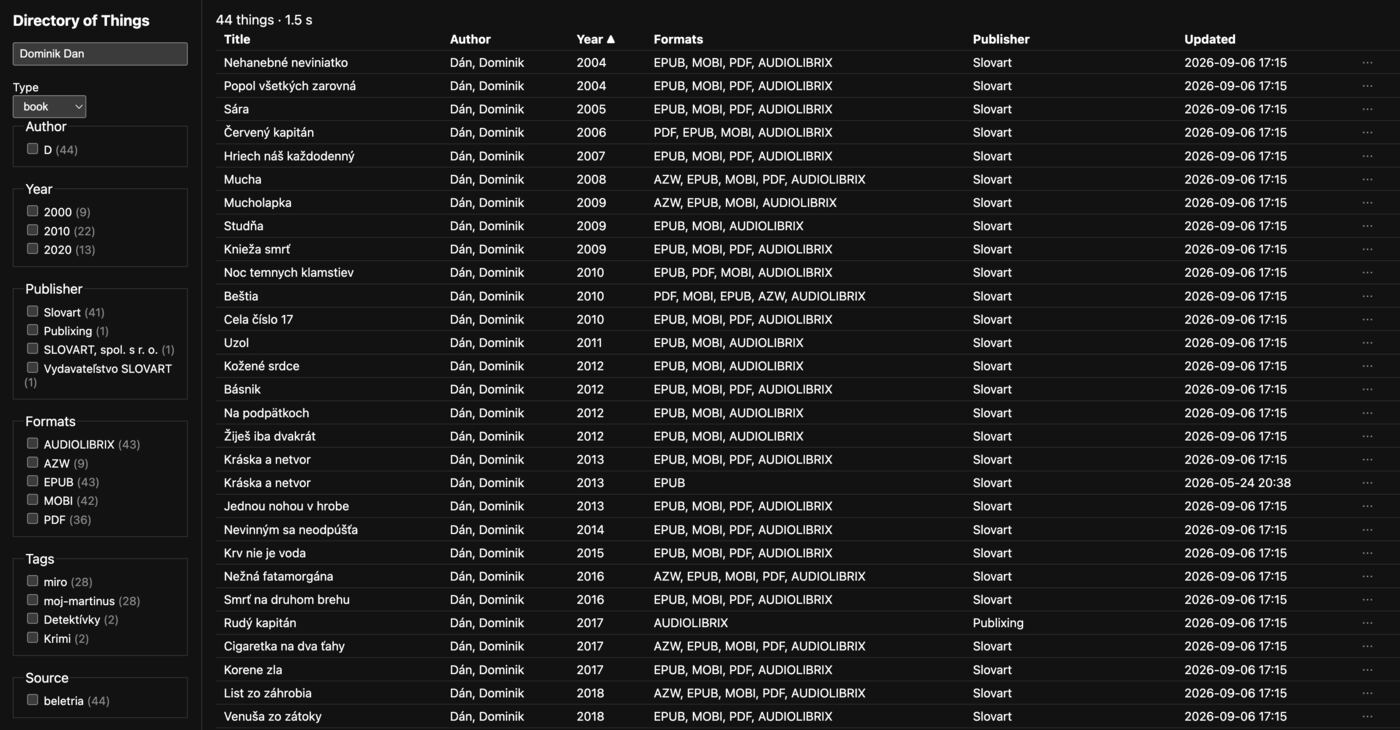
The directory of things, showing my books by Dominik Dán: 44 titles and every format I own of each.
I have already evacuated one paid cloud (sorry, Tresorit, you worked great and were European - but the lack of an API and the cost/feature ratio were decisive). OneDrive, AWS S3 and Dropbox are in the process of being emptied or migrated, and by next year I will be down to iCloud and Google.
The media library, the photo hub and the ebook pipeline each give one collection a single curated home.
I made a proper offsite backup, hosted on a Hetzner Storage Box, using restic, with client-side encryption and per-domain collection, separately restorable - it is the piece that makes any deletion safe. It gets its own post later in this series.
Vault publishing turns a set of curated notes into something family and readers can actually see, this blog included.
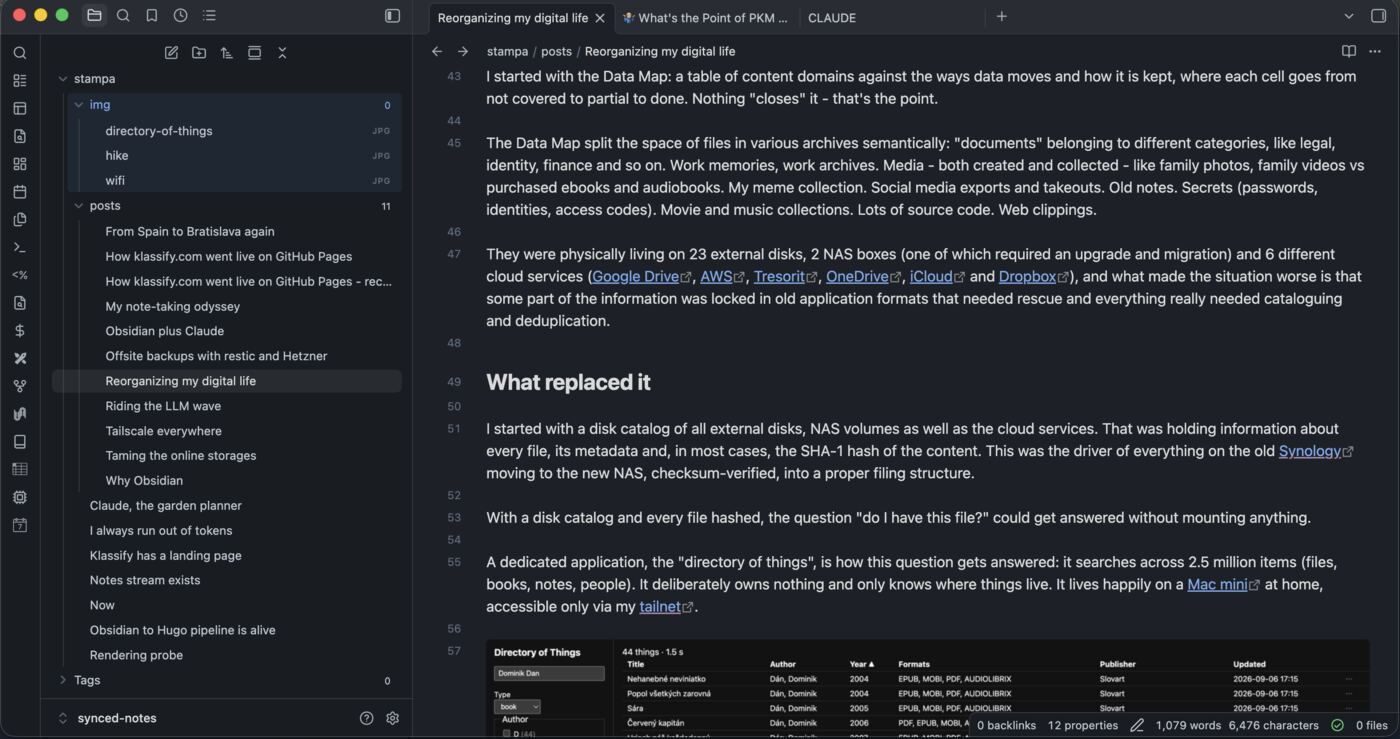
This very post, being written in Obsidian.
The rules that made it manageable - lessons learned #
Along the way I picked up a handful of rules. The first is about where the truth lives: the catalogs own the facts, the tools I browse with own nothing, and data flows only one way, from the catalog to the view. The second is about effort. How much care a collection gets depends on how irreplaceable it is, and size barely matters. Family photos that exist nowhere else get more protection than a shelf of ebooks I could buy again.
The third rule keeps me from doing damage: nothing gets deleted from a cloud until the NAS has a stated backup plan for that kind of data. A rescue must never leave me with fewer copies than before. The fourth one I learned the hard way. Before retiring a disk, sweep its trash folders first. On one disk, the hidden .Trashes folder held 9,204 files.
And the last one is the lesson of the whole story: projects end, areas don’t. Once I named which was which, half the battle was won.