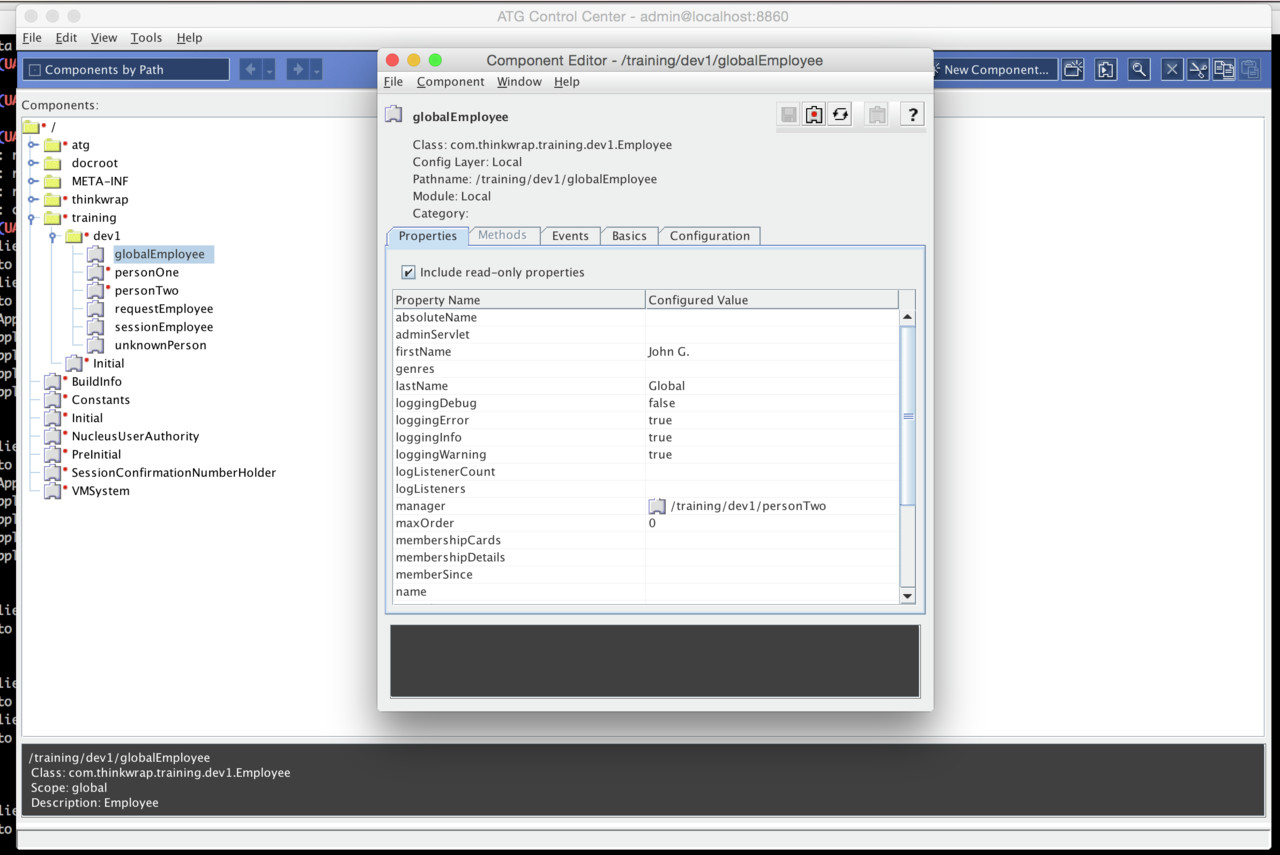
The ACC is installed in default location: ~/ATG/ACC11.1
This does not work OOTB. You must set 2 additional ENV properties
cd ~/ATG/ACC11.0
export ACC_HOME=`pwd`
export JAVA_VM=/usr/java/jdk1.7.0_51//bin/java
bin/startClient &
Starting from dyn/admin #
The start in separate VM works OK.
Start in server VM brings errors message very often complaining of malformed Help URL.
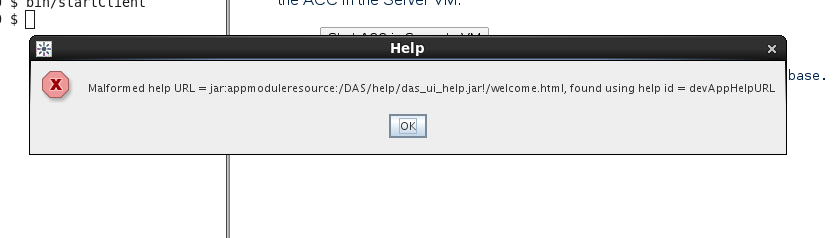
The issue is documented here: http://stackoverflow.com/questions/20868244/how-to-fix-malformed-help-url-while-opening-acc-atg - for JBOSS.
I tried to add the protocol.jar from DAS/lib into Tomcat lib, but it made no difference.
What DOES help though is to create directory “endorsed” underneath $CATALINA_HOME and put the protocol.jar there:
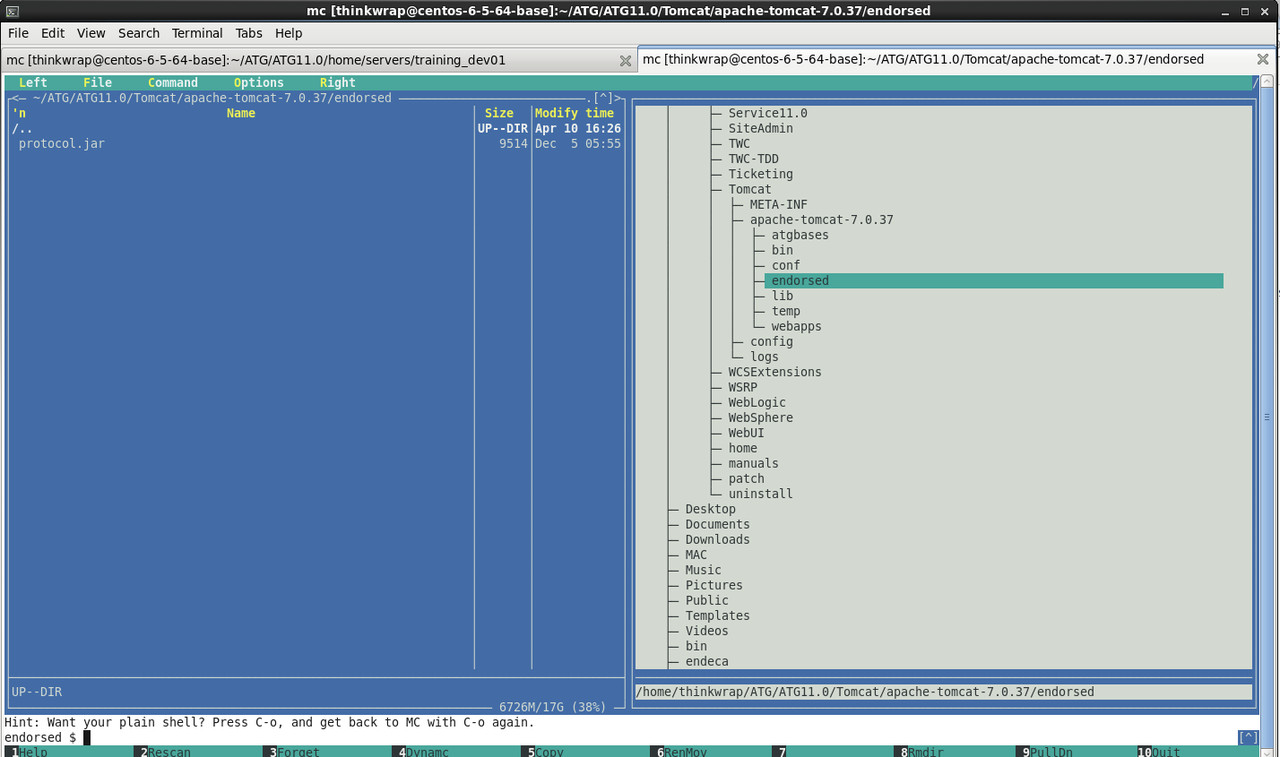
After this fix, the ACC starts clean in-server as well.
What also helped (found out independently) was adding protocol.jar into lib directory of ACC
Note #
As soon as there are any custom classes in project, in order to open them, 2 things needs to happen
- the classes.jar must be created (run ant jar)
- the MANIFEST.MF must contain download directive
Manifest-Version: 1.0
ATG-Config-Path: config/
ATG-Required: DSS DPS
ATG-Class-Path: classes/ testclasses/ lib/apache-commons/commons-lang-2.6.jar
ATG-Client-Class-Path: lib/classes.jar
ATG-Assembler-Import-File: true


Name: lib/classes.jar
ATG-Client-Update-File: true
ATG-Client-Update-Version: 1.0
After this it works: